
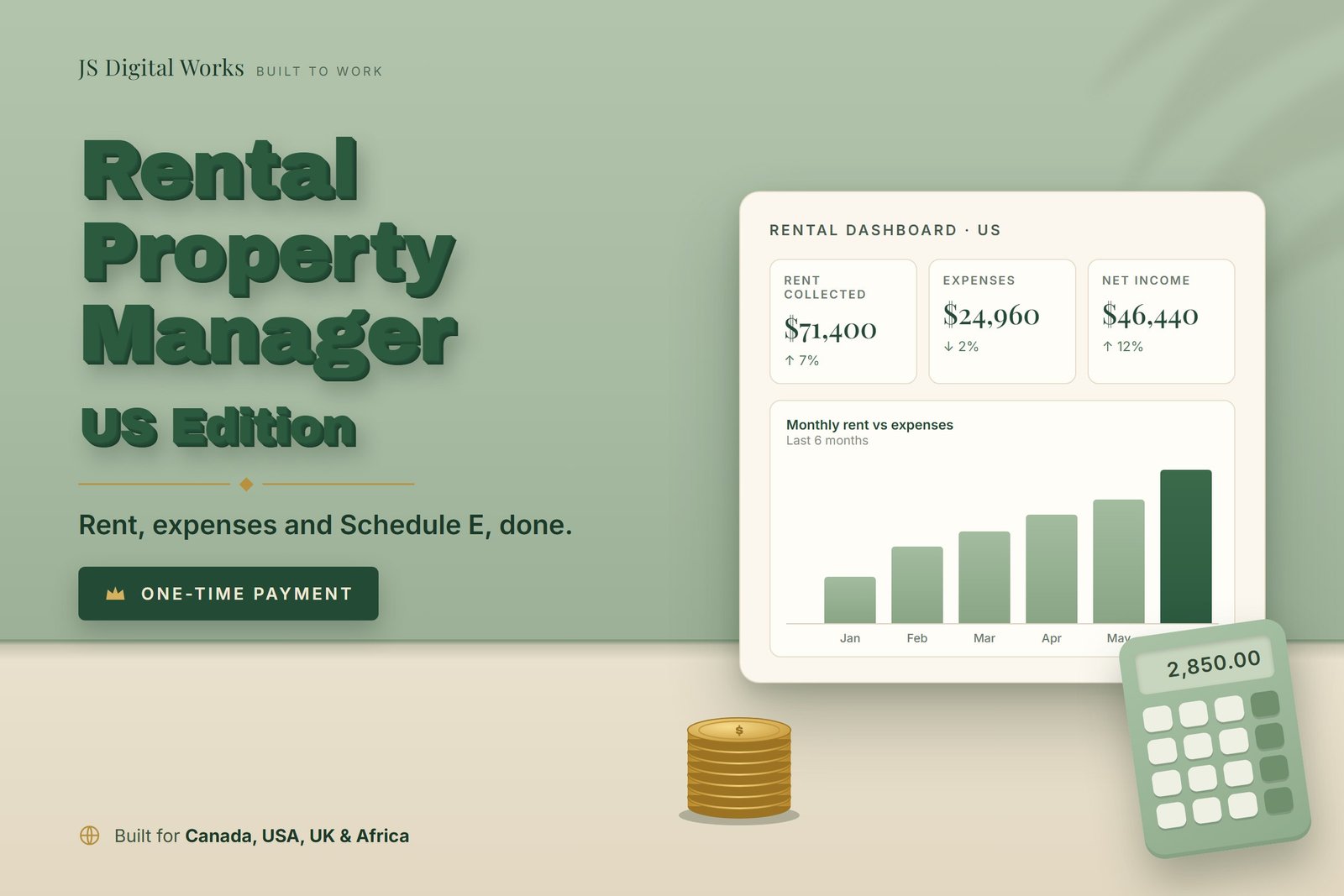

Run your rentals from one workbook and hand your accountant a Schedule E-ready summary at tax time. Track every tenant, payment, expense and repair, and see what each property really earns.
What it does for you
- Rent Roll with lease dates, monthly rent and deposits, plus rent paid, expected and owed for the year
- Lease alerts that flag leases ending soon (you choose how many days) and month-to-month tenants
- Rent Payments with automatic receipt numbers; the property fills in from the tenant, and security deposits are kept out of income
- Expenses already mapped to Schedule E lines 5 to 19 (Advertising to Other), with a receipt check
- Repairs log from reported to done, with urgent jobs flagged when they run late
- Tax Summary per property (up to 10) and in total, with rents received (line 3), every expense line and income or loss, plus your share if you co-own
- Dashboard: income, expenses, net, rent owed, occupancy, leases to renew and open repairs, with a monthly view
What is inside (11 tabs)
Home · Start Here · Dashboard · Properties · Rent Roll · Rent Payments · Expenses · Repairs · Tax Summary · Lists · Settings
Works everywhere
- Runs in Microsoft Excel on Windows, Mac, iPad, iPhone, Android and Excel for the web. There are no macros, so it opens safely on every device.
- Works in any currency.
- Formulas are protected so they cannot be broken by accident. Your entry cells stay open.
- Every tab filters by the tax year you choose in Settings, so one file keeps working year after year.
- Google Sheets can open it but may lose dropdowns and protection. Use Excel for the full experience.
What you get
One Excel file (.xlsx), ready to download straight after checkout. Re-download any time from My account.
Figures are estimates to help you keep records and plan. Tax treatment depends on your situation; confirm it with a qualified accountant or tax professional.





Reviews
There are no reviews yet.