
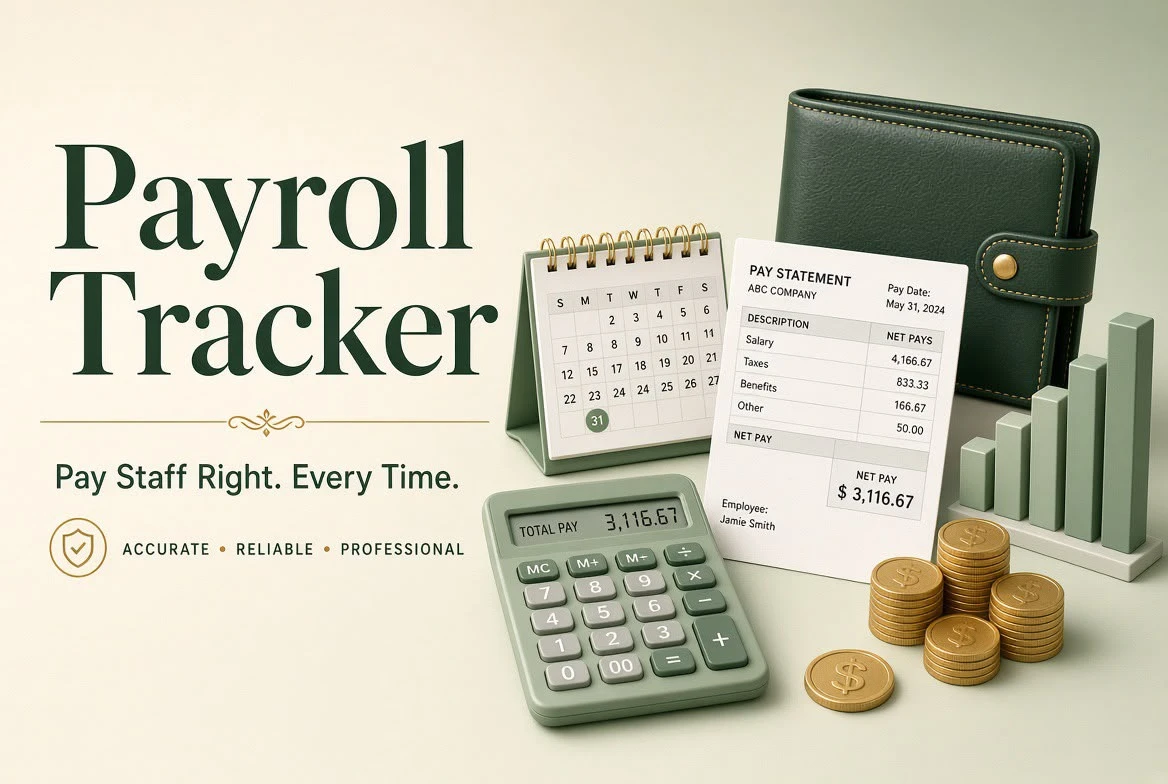
Pay your staff right, every time. Keep your team, pay rates and every pay run in one tidy workbook, and print a professional pay stub in seconds.
What it does for you
- Employee Roster for up to 150 employees: ID, department, hourly or salaried, pay rate, status and hire date
- Payroll Runs for up to 800 pay records: hours, gross pay, bonus, income tax, payroll taxes, other deductions and net pay calculated for you
- Your own tax rates: set the income tax % and payroll taxes % on the Settings tab to suit your country (for example FICA in the US, or CPP and EI in Canada)
- Pay Stub: pick an employee and pay date and the whole stub fills in, ready to print, save as PDF or email
- Dashboard: total gross payroll, net paid, tax withheld, active employees, cost by department and by pay date
- Quick employee lookup with year-to-date totals
- Home tab with one-click buttons and a clear How To Use guide
What is inside (8 tabs)
Home · How To Use · Search · Settings · Dashboard · Employee Roster · Payroll Runs · Pay Stub
Works everywhere
- Runs in Microsoft Excel on Windows, Mac, iPad, iPhone, Android and Excel for the web. There are no macros, so it opens safely on every device.
- Choose your currency: USD, EUR, GBP, CAD, AUD, INR, JPY, MXN or GHS.
- Formulas are protected so they cannot be broken by accident. Your blue entry cells stay open. The password to customise it is on the Settings tab.
- Google Sheets and Apple Numbers can open it but may lose dropdowns and protection. Use Excel for the full experience.
What you get
One Excel file (.xlsx), ready to download straight after checkout. Re-download any time from My account.
Tax amounts use the flat rates you set, so they are estimates for planning and record-keeping. They are not official tax tables. Confirm actual withholding with your payroll provider or tax agency (CRA, IRS, HMRC) before you pay or file.




Reviews
There are no reviews yet.