
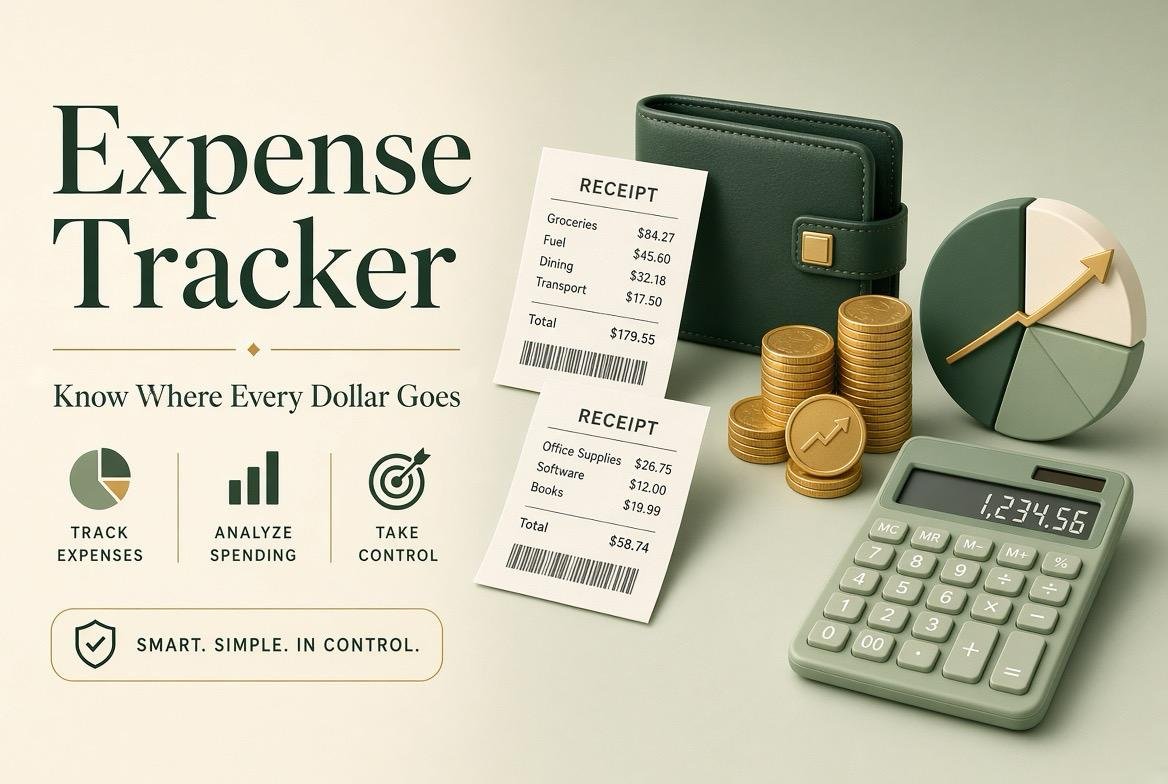
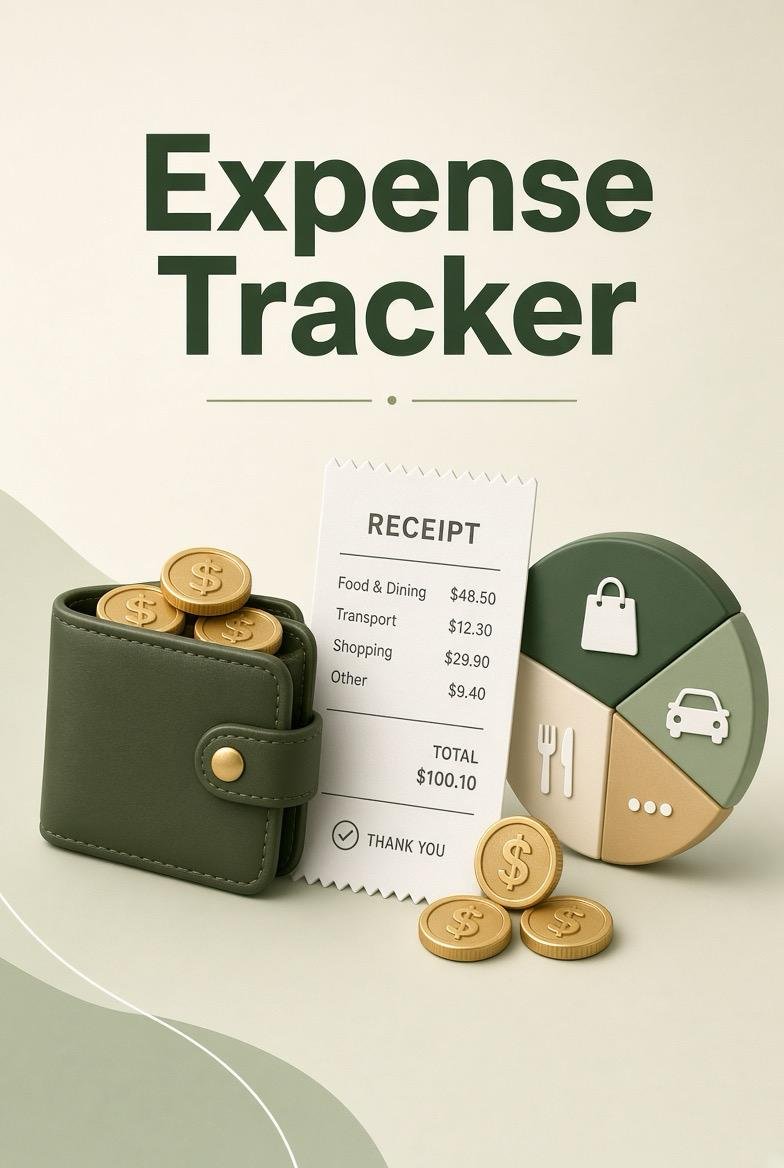
Know where every dollar goes. Log each expense once and the tracker sorts it by category and month for you, ready for budgeting and tax time.
What it does for you
- Expense Log with date, category, vendor, amount, payment method, recurring, tax-deductible and receipt columns, with room for 1,000 expenses
- Dashboard: total expenses, tax-deductible spend, missing receipts and number of transactions
- Spend by category and spend by month, updated automatically
- Missing receipts flagged, so nothing is forgotten at tax time
- Ready-made business categories (rent, payroll, marketing, software, travel, insurance and more) that you can change
- Search tab to find any expense in seconds
- Home tab with one-click buttons and a clear How To Use guide
What is inside (6 tabs)
Home · How To Use · Search · Settings · Dashboard · Expense Log
Works everywhere
- Runs in Microsoft Excel on Windows, Mac, iPad, iPhone, Android and Excel for the web. There are no macros, so it opens safely on every device.
- Choose your currency: USD, EUR, GBP, CAD, AUD, INR, JPY, MXN or GHS.
- Formulas are protected so they cannot be broken by accident. Your blue entry cells stay open. The password to customise it is on the Settings tab.
- Google Sheets and Apple Numbers can open it but may lose dropdowns and protection. Use Excel for the full experience.
What you get
One Excel file (.xlsx), ready to download straight after checkout. Re-download any time from My account.
Totals are for record-keeping. Confirm what you can claim with an accountant or tax professional.



Reviews
There are no reviews yet.